
How to Optimise Your Google Business Profile (Get More Local Customers in the UK)
Learn how to fully optimise your Google Business Profile to attract more local customers in the UK. Step-by-step guide covering every section, review strategy, and posting tips.
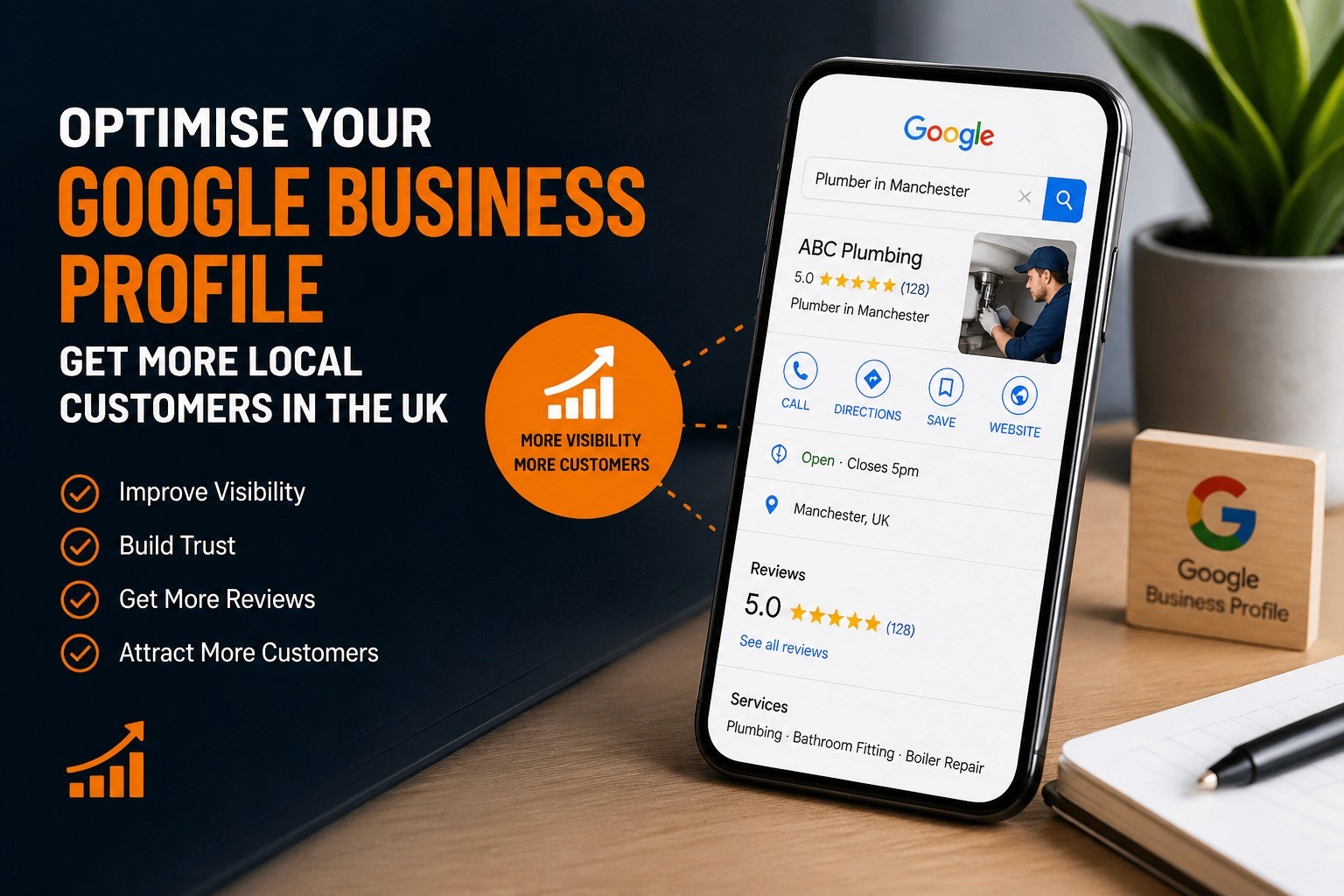
If your business serves customers in a specific area — whether that's a town, city, or region — your Google Business Profile (GBP) is one of the most powerful free marketing tools available to you. Done properly, it can push your business to the top of local search results, put you in front of people actively looking for what you offer, and drive a steady stream of calls, bookings, and footfall without spending a penny on ads.
Done badly — or not done at all — and you're essentially handing those customers to your competitors.
This guide walks you through every step of optimising your Google Business Profile so you can start getting more local customers in the UK, consistently.
What Is a Google Business Profile and Why Does It Matter?
A Google Business Profile is the listing that appears when someone searches for your business by name, or when Google decides to show your business in response to a local search query — for example, 'plumber in Leeds' or 'best coffee shop near me.'
It's the box that appears on the right-hand side of Google's search results (on desktop) or at the top of the map results on mobile. It shows your business name, address, phone number, opening hours, photos, reviews, and more.
Research consistently shows that the majority of clicks in local searches go to the top three businesses in the 'Map Pack' — that cluster of three results Google shows before the organic listings. Getting into that Map Pack can transform how many enquiries you receive each month.
The good news? Most businesses have poorly optimised profiles. That means even modest improvements can leapfrog your competitors.
Step 1: Claim and Verify Your Profile
Before you can optimise anything, you need to claim your listing. Go to google.com/business and sign in with a Google account. Search for your business — if it already exists (Google may have created a basic listing automatically), claim it. If it doesn't exist, create it from scratch.
Google will then ask you to verify the business, usually by sending a postcard with a code to your business address, or occasionally via phone or email. Complete this step — unverified profiles have limited visibility and cannot be fully managed.
Step 2: Complete Every Section — Fully
Google rewards completeness. The more information you provide, the more confident Google is that your business is legitimate and relevant — and the higher it's likely to rank in local search results. Here's what to focus on:
Business Name
Use your real business name exactly as it appears on your signage and website. Don't stuff keywords into your business name (e.g. 'Smith Plumbing — Best Emergency Plumber London') — this violates Google's guidelines and can get your listing suspended.
Business Category
Your primary category is one of the most important ranking factors in local SEO. Choose the category that most accurately describes your primary service. You can also add secondary categories — use these for additional services you offer. Take time to research what categories your top-ranking competitors are using.
Address and Service Area
If customers visit your premises, add your full address. If you serve customers at their location (tradespeople, mobile services, etc.), you can hide your address and instead define a service area by region, county, or postcode. Be specific — don't define an area so large that it's irrelevant.
Phone Number and Website
Add a local phone number where possible — this reinforces local relevance. Make sure the number is consistent with what appears on your website and any other online directories. Inconsistencies confuse Google and can harm your rankings.
Opening Hours
Keep your hours accurate and up to date. Use the 'Special Hours' feature for bank holidays and seasonal changes. A customer who turns up to find you closed when Google said you'd be open isn't going to leave a five-star review.
Business Description
You have 750 characters. Use them wisely. Write a description that clearly explains what you do, who you help, and what makes you different. Naturally include your primary keyword and location. This isn't heavily weighted for ranking, but it helps conversion once someone finds you.
Attributes
Google offers a range of attributes depending on your business category — things like 'wheelchair accessible,' 'free Wi-Fi,' 'women-led business,' or 'accepts card payments.' Tick every relevant attribute. These appear on your profile and can influence both rankings and customer decisions.
Step 3: Add High-Quality Photos
Profiles with photos receive significantly more clicks than those without. Add a mix of the following:
Your exterior (so customers can find you easily)
Your interior (to set expectations and build trust)
Your team at work
Your products or completed work
A professional logo and a compelling cover photo
Aim for at least 10–15 photos to start, and keep adding new ones regularly. Google appears to favour profiles with fresh, recent content. Make sure all photos are well-lit, clear, and representative of the quality of your business.
Step 4: Get More Google Reviews (and Respond to All of Them)
Reviews are one of the most significant ranking factors in local SEO, and they're arguably the most important trust signal for potential customers. Businesses with more reviews — especially recent ones — consistently outrank those with fewer.
Getting reviews is a topic in its own right, which is why we've covered it in detail separately:
→ Read: How to Get More Google Reviews for Your Business
In the meantime, here's the core principle: ask every satisfied customer for a review, make it easy for them by sending a direct link, and respond to every review — positive or negative. Responses show Google and potential customers that you're active and engaged.
Step 5: Use Google Posts Regularly
Google Posts allow you to share updates, offers, events, and news directly on your Business Profile. They appear in your listing and can catch the eye of someone browsing your profile before they decide to call.
Post at least once a week. Use Posts to:
Promote time-sensitive offers
Announce new services or products
Share useful tips relevant to your industry
Highlight recent customer successes (with permission)
Each post can include a call-to-action button — use 'Call Now,' 'Book,' 'Learn More,' or 'Get Offer' depending on your goal. Posts expire after seven days, so keep them fresh.
Step 6: Use the Q&A Section Proactively
The Questions and Answers section on your profile allows anyone to ask a question — and anyone to answer it. Don't leave this to chance. Populate it yourself by asking (and answering) the questions your customers most frequently raise. This controls the narrative and gives potential customers the information they need to convert.
Monitor this section regularly and answer any genuine questions promptly.
Step 7: Keep Your Profile Active and Updated
Google favours active listings. Regular activity signals that your business is open, trading, and relevant. A profile that hasn't been touched in six months looks neglected — and Google may rank it accordingly.
Set a reminder to review your profile monthly and check:
Are your hours still correct?
Do you have any unanswered reviews or questions?
Is your description still accurate?
Have you added any new photos recently?
Common Mistakes to Avoid
Even businesses that have put effort into their profile often make these errors:
Keyword stuffing in the business name
Using a P.O. box or virtual office address (against Google's guidelines)
Ignoring negative reviews instead of responding professionally
Letting the profile go stale with no posts or new photos
Having inconsistent business information across different websites
The Bigger Picture: Your GBP is One Piece of the Puzzle
Your Google Business Profile is a powerful tool, but it works best as part of a joined-up local marketing strategy. Getting it right will drive more enquiries — but you'll also want to make sure your website converts those visitors, your follow-up process turns enquiries into customers, and your retention strategy keeps them coming back.
If you'd like help building a complete local marketing system for your business, take a look at our services or get in touch with us directly.
If you'd like help building a complete local marketing system for your business, take a look at our services or get in touch with us directly.
→ Contact us to discuss your marketing
→ Read: Small Business Marketing System — How to Get More Customers Consistently
Ready to get found by more local customers? Start with your Google Business Profile today — and if you'd like expert support to make it work harder for your business,